Smart Inventory & Stock Manager.
An offline-first Android inventory solution designed to help retail teams manage products, stock movement, sales and daily operations from one focused workspace.
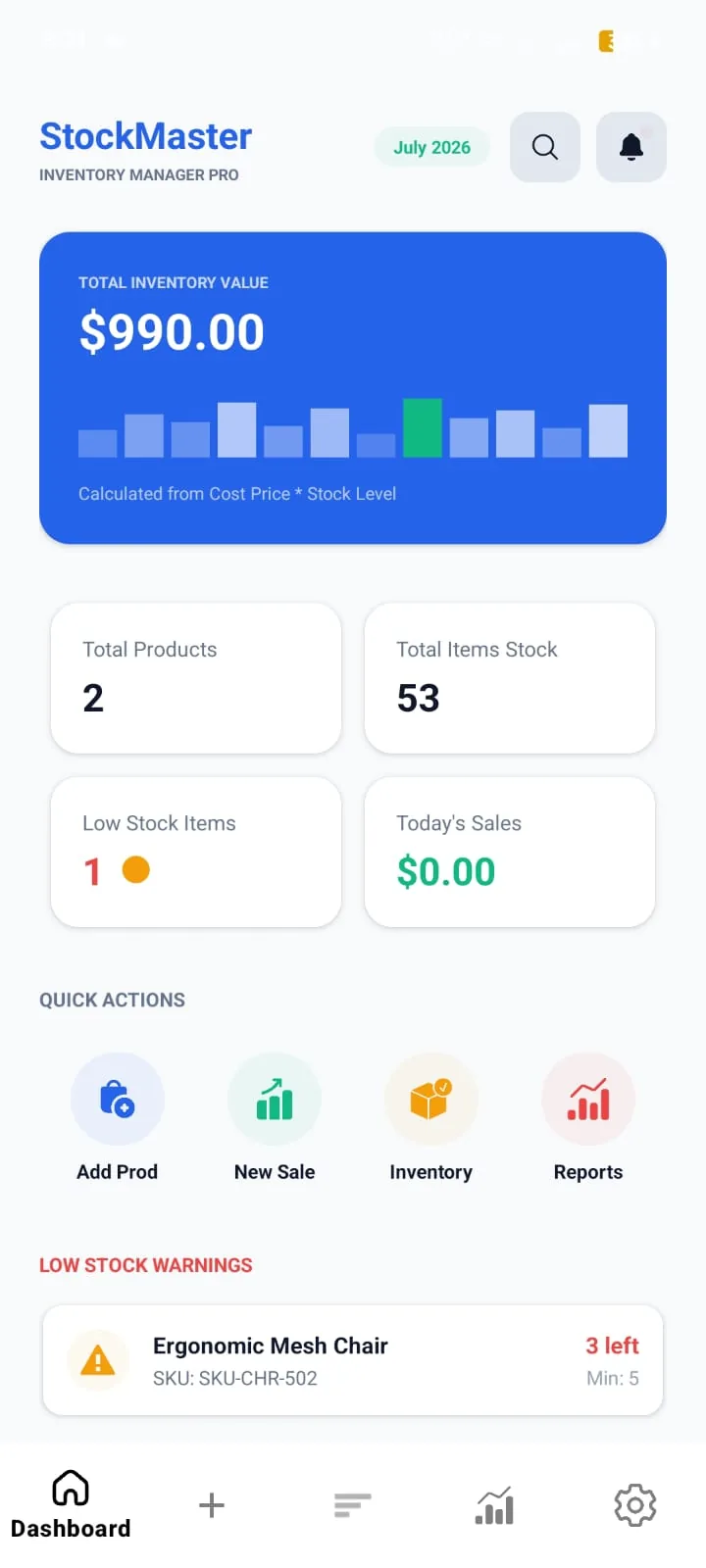
A focused product for everyday inventory operations.
The product is structured around the daily workflow of small and medium-sized retail businesses, with a strong focus on fast data entry, reliable local storage and clear operational visibility.
Groceries, pharmacies, electronics, hardware and similar shops.
Built for focused mobile workflows and reliable on-device operation.
Room Persistence Engine with LiveData for local data handling.
Repository pattern with structured, maintainable application code.
Making inventory management simple enough for daily business use.
Retail inventory workflows can become difficult to manage when product records, stock movements and sales information are scattered across manual processes.
Manual stock tracking
Frequent stock adjustments need a clear and repeatable workflow.
Limited operational visibility
Owners need quick access to stock and sales information.
Connectivity constraints
Core inventory workflows should remain useful without depending on a constant connection.
A local-first product architecture built around the actual workflow.
The solution combines a focused mobile interface with structured local persistence, background monitoring and a clean application architecture.
Designed around the moments that matter.
The interface keeps core inventory tasks close at hand, reducing unnecessary navigation between everyday operations.
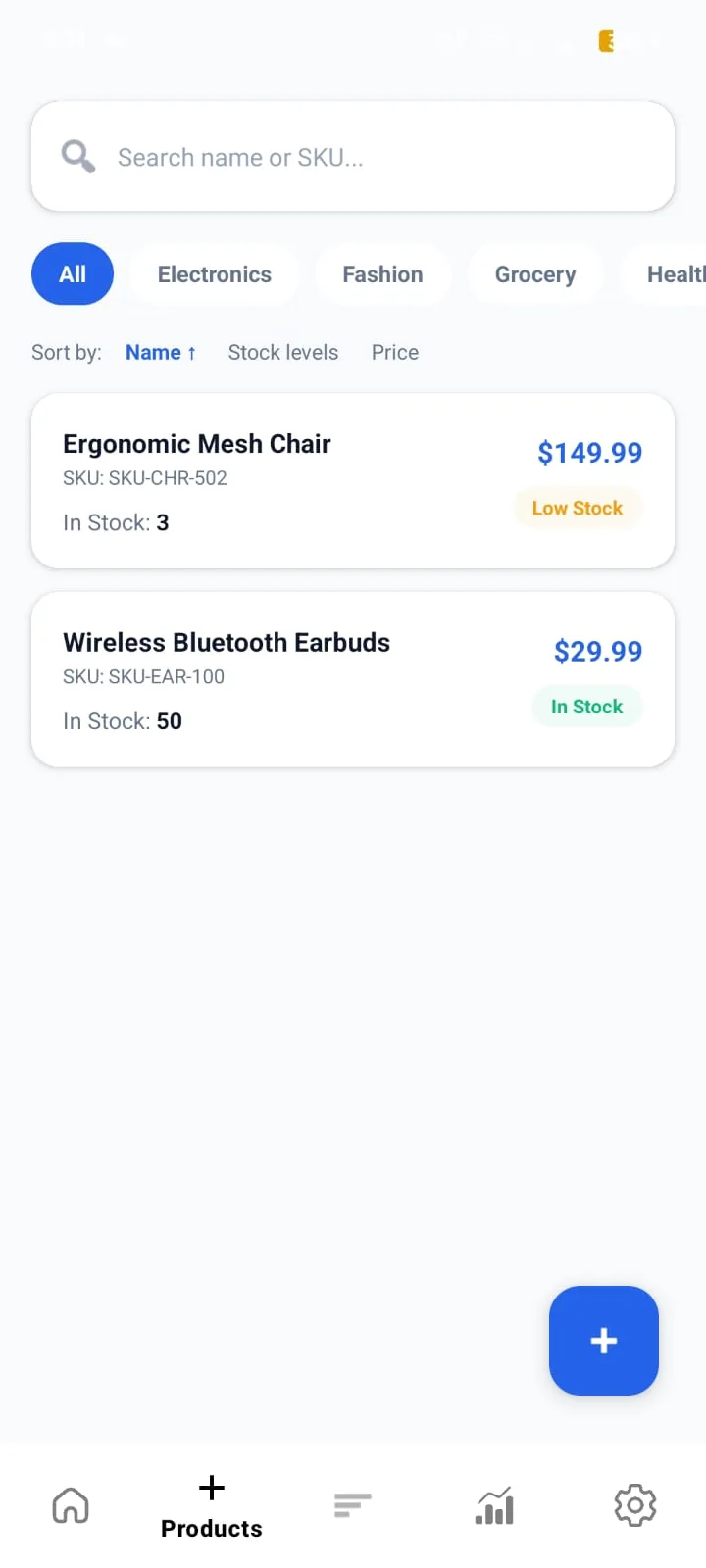
Clear stock visibility
A focused dashboard keeps product details and live stock counts instantly accessible during routine store operations.
Fast sales workflow
Streamlined POS sales entry automatically adjusts Room database stock counts and recalculates profit margins.
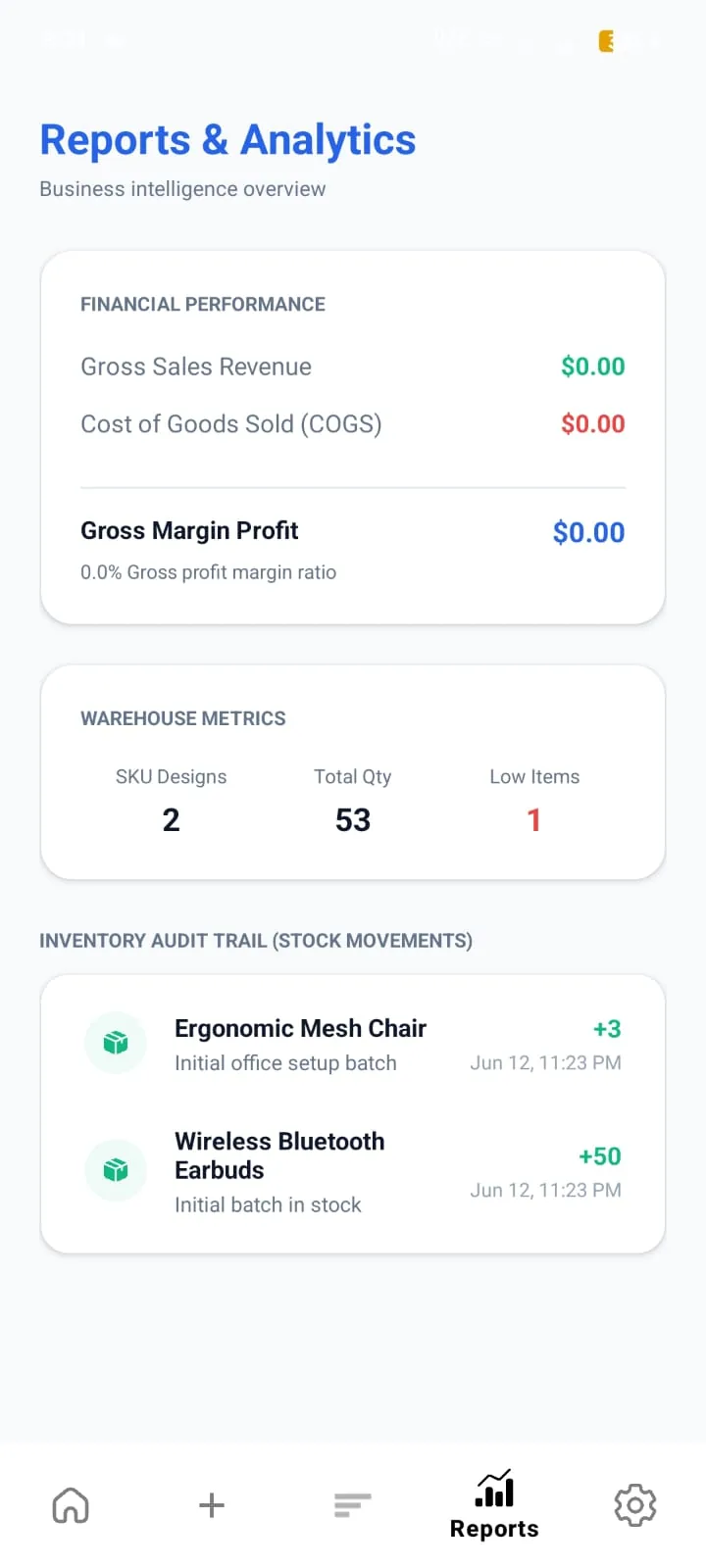
Operational safeguards
Automated background checks via WorkManager trigger alerts for low-stock products before supply runs out.
Engineered for daily operations.
The feature set focuses on the essential workflows required to maintain products, stock movement and sales records from a single Android application.
Smart Inventory Control
Track stock levels through purchase, sale and stock-correction workflows with structured movement records.
Low Stock Notifications
WorkManager background tasks monitor stock thresholds and trigger reminders when items fall below configured limits.
Sales & Revenue Tracking
Quick sales entry updates stock and supports daily, weekly and monthly sales and profit tracking.
Instant Search & Filters
Search by SKU, product name and category using indexed Room Database queries for fast local retrieval.
JSON Backup & Export
Export product and sales records to JSON format for local record keeping and data portability.
Material 3 Design System
A clean interface following Material Design 3 principles with fluid interactions and responsive dark-mode support.
Built with Clean MVVM Architecture.
A layered structure keeps presentation, state, business logic and local persistence separated for maintainability and future extension.
Material Design 3 components and navigation flow
Lifecycle-aware state handling across screens
Centralized access to application data operations
Type-safe SQLite ORM with structured DAOs
Room Database Schema
From workflow definition to a production-ready product.
Understand the workflow
Identify users, operational requirements and the core inventory journey.
Shape the experience
Organize screens and interactions around fast, repeatable daily tasks.
Engineer the product
Implement the Android application with structured architecture and local persistence.
Test & improve
Validate core workflows, edge cases and usability before delivery.
A focused visual language for operational clarity.
The product uses a compact visual system to keep important inventory states, actions and feedback easy to scan.
Built to remain maintainable as the product evolves.
Clear separation between UI, state, business logic and persistence.
Structured Room entities and DAO-based local data access.
Background work isolated through WorkManager tasks.
Material Design 3 patterns for consistent interaction and visual hierarchy.
A practical Android product shaped around reliable daily operations.
The resulting product brings inventory, stock movement, sales tracking, alerts and local data management into a single focused workflow.
Let's turn your workflow into a production-ready product.
From product strategy and UI/UX to engineering and delivery, we can design and build custom mobile software around your business requirements.
Start a Project